
Transcription
How Transcripts and Captions Help Students With Disabilities
How captions and transcripts help deaf, hard-of-hearing and neurodivergent students, what ADA Title II requires of US schools, and a practical workflow.
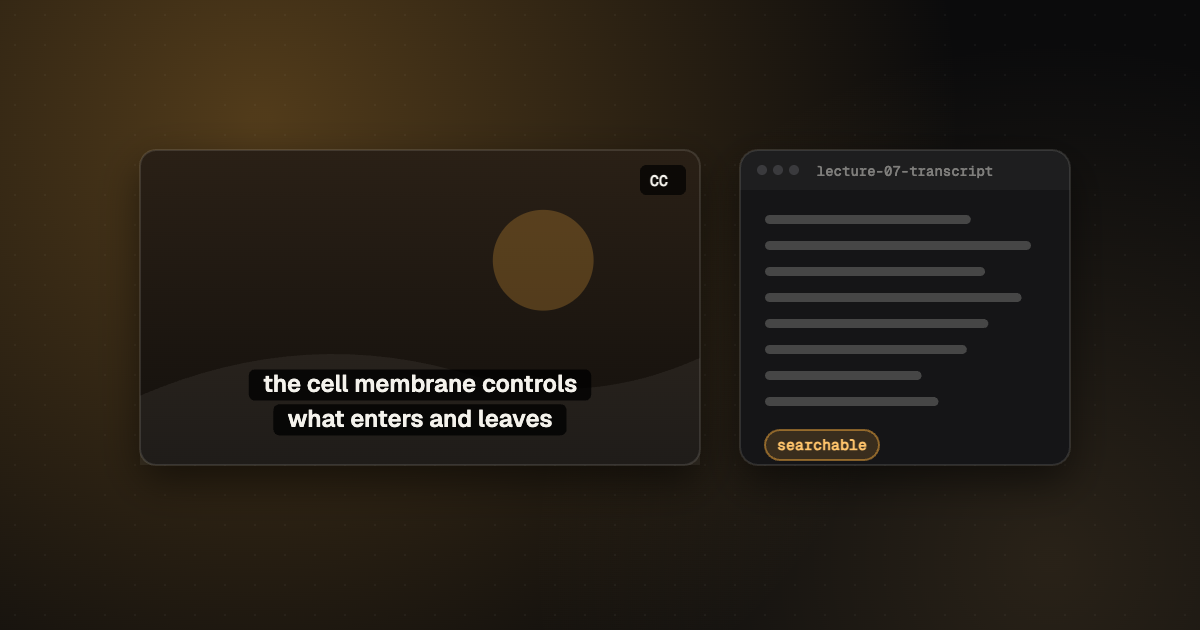
A recorded lecture is only useful to the students who can actually take it in. For a student who is deaf or hard of hearing, has a processing disorder, or is studying in a second language, an uncaptioned video can be a locked door. Transcripts and captions open it, and they end up helping almost everyone in the class.
Captions let deaf and hard-of-hearing students follow lectures and videos; transcripts let students search, re-read and study at their own pace. Both help students with learning and attention difficulties and those learning in a second language. In the US, public schools and colleges are now under ADA Title II deadlines to make video accessible.
Who benefits
| Students | How captions and transcripts help |
|---|---|
| Deaf and hard of hearing | Equal access to spoken content in lectures and videos |
| Learning or processing differences | Reading along and re-reading at their own pace |
| Attention difficulties | Text keeps them anchored; transcripts make review easier |
| Second-language learners | Seeing words spelled out improves understanding |
| Everyone revising for exams | Searchable text beats scrubbing through hours of video |
Captions or transcripts: which do you need?
Both, usually. Captions appear on screen in time with the video, so students can watch and read together. Transcripts are the full text as a document, ideal for searching, note-taking and studying offline. Make the transcript first; captions can be built from it.
What the rules say (US)
Under the Department of Justice’s ADA Title II rule, state and local public bodies, including public schools, colleges and universities, must make web content accessible, including captions for video, to WCAG 2.1 AA. Larger bodies face an April 2026 deadline and smaller ones April 2027. The free caption compliance checklist sets out the requirements and dates. It’s guidance, not legal advice; check with your institution’s accessibility office.
Automatic captions alone usually aren’t enough for accessibility. Lecture vocabulary (names, formulas, technical terms) is exactly where they fail, so captions need checking.
A practical workflow for educators
- Record with a decent microphone close to the speaker. It improves every transcript.
- Get a transcript of each lecture; see our guide on how to transcribe audio to text.
- Add course terms to a glossary so names and technical words are spelled consistently.
- Build captions from the transcript and check reading speed and line length.
- Publish both: captions on the video, the transcript as a downloadable document.
The free CadreScripts editor handles steps 3 to 5 in the browser with no account: glossary, captions with rule checks, and exports to Word, PDF, SRT and WebVTT. For a backlog of lectures, our human-verified captions start from $1.30 a minute and transcripts from $0.80 (pricing).
Frequently asked questions
Do colleges have to caption videos?
In the US, public colleges and universities are covered by ADA Title II, which now requires accessible web content including captions, with deadlines in 2026 and 2027. Private institutions have other obligations; check with your accessibility office.
Are transcripts enough without captions?
For audio-only content, a transcript can be enough. For video, students need captions to follow along in real time, plus a transcript for study.
Your next step
Caption a lecture free in your browser, or send a backlog for human-verified captions.
Keep reading